
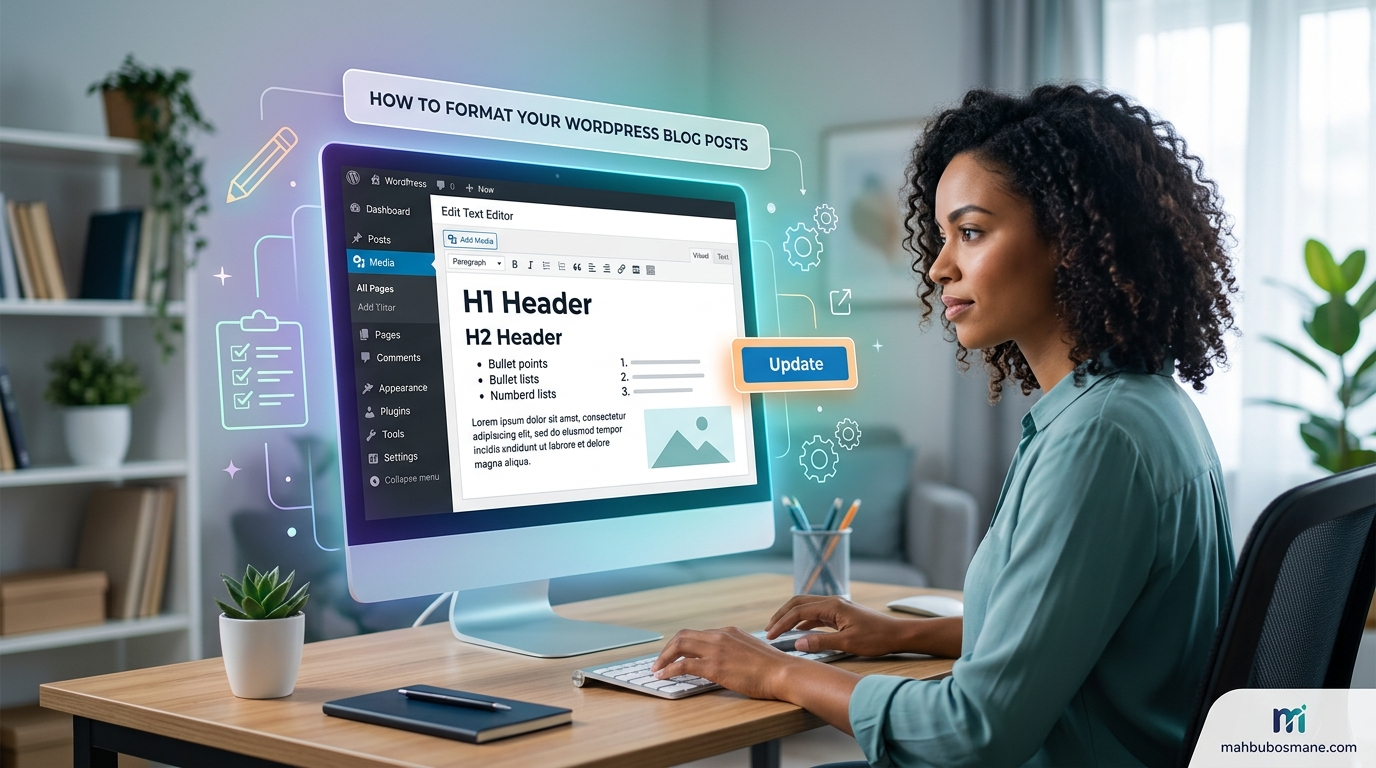
How to Format Your WordPress Blog Posts
You can write the most insightful, deeply researched, groundbreaking blog post in your niche. But if it looks like an unbroken wall of text when a user lands on the page, they will click the back button faster than it took your site to load.
On the internet, reading behavior is fundamentally different from reading a book. People skim. They scan. They seek immediate answers.
Proper blog post formatting bridges the gap between deep value and human behavior. It turns casual skimmers into dedicated subscribers, reduces bounce rates, and signals to search engine algorithms that your content is high quality.
This comprehensive, step-by-step guide walks you through every layer of formatting your WordPress blog posts like a seasoned professional.
Understanding the Psychology of the Modern Web Reader
Before pushing a single button inside the WordPress Block Editor, it is critical to understand who you are formatting for.
Data from the Nielsen Norman Group shows that 79% of web users scan any new page they come across; only 16% read word-for-word. Web users look for visual cues to anchor their attention. They read in an “F-shaped pattern”: skimming the first line or two, dropping down to scan headings, and only diving into full paragraphs when a specific subsection catches their eye.
When your content features proper formatting, you achieve three distinct things:
-
Reduced Cognitive Load: Shorter paragraphs and ample whitespace make the text feel less overwhelming.
-
Improved Accessibility: Clear text contrast, proper headings, and descriptive alt text help users of all abilities navigate your site smoothly.
-
Longer Time-on-Site: When people find it easy to consume your content, they stay longer, directly signaling to Google that your webpage provides excellent user experience (UX).
Navigating the WordPress Block Editor (Gutenberg)
WordPress uses a native modular editing layout known as the Block Editor (Gutenberg). Every piece of content you add—whether it is a paragraph, a header, an image, or a button—is treated as an individual, customizable block.
Essential Shortcuts for Faster Formatting
Instead of manually clicking the “+” icon every time you want to insert a specific piece of elements, you can use these inline commands:
-
/h2or/h3: Quickly transforms the current line into a Heading 2 or Heading 3 block. -
/image: Instantly opens up options to upload a graphic or choose one from your Media Library. -
/list: Generates a bulleted or numbered list immediately. -
Shift + Enter: Creates a soft line break within the exact same text block instead of opening an entirely new paragraph block.
Mastering Content Hierarchy with Headings (H2, H3, H4)
Think of your blog post headings as an interactive map. If your main article title is the country (Heading 1 / H1), your major sections are the states (Heading 2 / H2), and sub-points within those sections are the cities (Heading 3 / H3).
The Golden Rules of Semantic Heading Architecture
-
Reserve H1 for the Post Title Only: Your theme handles your post title automatically using an H1 tag. Never insert a manual H1 block inside your actual text body. Having multiple H1 tags confuses search crawlers regarding your primary topic.
-
Follow a Linear Descent: Do not jump from an H2 directly into an H4. Your structure must descend logically:
-
H1: The Main Title
-
H2: Major Concept 1
-
H3: Supporting Detail A
-
H3: Supporting Detail B
-
-
H2: Major Concept 2
-
-
-
Optimize for Scannability: A skimmer should be able to read only your H2s and H3s and walk away with a solid, high-level summary of your core message.
Writing Compelling, SEO-Friendly Headings
Avoid generic tags like “More Info” or “Section 2.” Instead, weave your target keywords or variations naturally into your headings. For example, instead of a dry heading like “Formatting Text,” use an action-driven heading like “How to Use Bold and Italic Text to Direct the Eye.”
Crafting Readable Paragraphs and Whitespace
Whitespace—the empty space between blocks of text, images, and margins—is your absolute best friend. It acts as visual breathing room for your reader.
The “Rule of Three” for Web Paragraphs
Keep your body paragraphs incredibly short. Aim for two to three sentences maximum per paragraph. It is entirely acceptable to write a single-sentence paragraph if you want to emphasize an impactful statement.
[Example of Poor Web Formatting]
Writing long paragraphs on the web is one of the most common mistakes new bloggers make when setting up their content. When you present readers with six, seven, or eight sentences packed tightly together, their eyes naturally skip over the content entirely because it appears daunting on mobile screens and wide desktop monitors alike, resulting in lower engagement metrics across the board.

[Example of Great Web Formatting]
Long paragraphs destroy user engagement.

When text is tightly packed, readers naturally skip over your content entirely.

To prevent this, limit your paragraphs to two or three sentences.
Line Height and Typography Choices
If your WordPress theme permits typography modifications within its global styles, aim for a body text font size of 16px to 18px. Ensure your line spacing (line-height) is set between 1.5 and 1.75. This sweet spot provides enough vertical separation to prevent lines from blurring together while reading.
Visual Breakouts: Lists, Blockquotes, and Callout Boxes
Monotone text blocks cause fatigue. Break up long sequences of text by introducing visual variations.
Bulleted vs. Numbered Lists
Use lists whenever you have three or more consecutive items or sequential data points.
-
Use Bulleted Lists for non-ordered items, benefits, features, or quick tips.
-
Use Numbered Lists when guiding a reader through sequential steps where order is critical.
Utilizing Blockquotes for Dramatic Emphasis
The Quote block or Pullquote block allows you to isolate a sentence and apply specialized formatting to make it stand out. Use quotes to highlight:
-
A powerful, definitive statement from your article.
-
A case study metric or data point.
-
An authoritative quote from an industry expert.
“Good design is making something intelligible and memorable. Great design is making it unforgettable.”
Custom Callout Boxes
Many modern WordPress blocks or plugins (like Spectra, GenerateBlocks, or Kadence Blocks) offer “Info Boxes” or “Notice Blocks.” Use these colored containers to highlight crucial warnings, pro tips, or summary takeaways.
Elevating Media Integration (Images, Videos, Tables)
Visual media adds undeniable proof, context, and beauty to your writing. However, messy media implementation can stall page speed or clutter your layout.
Image Sizing and Proportions
Always match your uploaded image dimensions to your site’s actual display container. Uploading raw, uncompressed 4000-pixel camera files degrades site performance.
-
Scale Down Ahead of Time: Crop or resize images to a maximum width of 1200px for full-width headers, and 800px for inline body visuals.
-
Compress Every File: Run your images through a tool like TinyPNG or utilize a native WordPress optimization plugin to convert files to modern formats like WebP, which drastically reduces file sizes.
Accessible Alt Text Practices
Alt text (alternative text) provides a text description of an image for search crawlers and visually impaired users navigating via screen readers. Write alt text that describes the actual content of the image naturally.
-
Bad Alt Text:
image234orblog-formatting-tips -
Excellent Alt Text:
A screenshot of the WordPress Gutenberg block editor settings menu showing the categories option selected
Using Tables for Direct Comparison
Never try to compare complex criteria inside standard text paragraphs. Use a clean Markdown or block table to lay out multi-attribute data clearly.
| Attribute | Text-Heavy Layout | Formatted Layout |
| Reading Speed | Slow, prone to skipping | Fast, high scannability |
| Mobile UX | Poor, causes eye fatigue | High, breaks into easy chunks |
| SEO Signal | Low dwell time | High dwell time, clearer index tracking |
Directing Action with Links, Buttons, and Typography Accents
Every element in your article should work together to lead your reader toward a deeper understanding—or a specific conversion goal.
The Strategic Use of Bold and Italics
Use bold text to highlight core phrases, takeaways, or metrics so that skimmers spot them instantly. Use italics sparingly for internal monologues, emphasis on specific words, or publication titles. Avoid bolding entire paragraphs, as this dilutes the visual impact.
Hyperlinks: Making Anchors Natural and Accessible
Your links should flow seamlessly into your syntax. Never use generic phrases like “click here” or “read this post” as your anchor text. Instead, anchor the link to descriptive words that clarify exactly where the link leads.
-
Avoid: To learn more about optimizing your site speed, [click here].
-
Preferred: Review our comprehensive breakdown on [improving WordPress page speed metrics] to learn more.
Call-to-Action (CTA) Buttons
If you want a reader to sign up for a newsletter, check out a product, or download an asset, do not rely on standard text links. Insert a native WordPress Buttons block. Choose a color that contrasts clearly with your primary body color to ensure it grabs attention.
Managing Technical Post Settings and Metadata
Excellent formatting extends beyond the main text container. The settings box hidden away in your WordPress right-hand sidebar plays a massive role in how your content is categorized and presented to the public.
Standardizing Categories vs. Tags
-
Categories: Broad, overarching themes for your blog. Your post should live in one primary category (e.g.,
Digital Marketing). -
Tags: Granular, specific descriptors that detail what is explicitly inside that specific post (e.g.,
SEO,Copywriting,Gutenberg).
Writing the Perfect URL Slug
Keep your permalink short, punchy, and keyword-focused. Strip out filler words like “how,” “to,” “a,” and “the.“
-
Bad URL:
[mahbubosmane.com/blogs/how-to-properly-format-your-wordpress-blog-posts-in-2026](https://mahbubosmane.com/blogs/how-to-properly-format-your-wordpress-blog-posts-in-2026) -
Optimized URL:
[mahbubosmane.com/blogs/wordpress-blog-formatting](https://mahbubosmane.com/blogs/wordpress-blog-formatting)
Formatting for the Mobile Screen First
Over 55% of global web traffic arrives via mobile devices. An article that looks spacious and beautifully proportioned on a wide 27-inch desktop monitor can easily transform into an intimidating wall of text on a 6-inch phone display.
The Mobile-First Checklist
Summary Checklist: The Pre-Publish Formatting Audit
Before hitting that blue “Publish” button, run down this quick list to ensure your post meets professional standard layouts:
-
[ ] Is there only one H1 tag on the page?
-
[ ] Do the H2, H3, and H4 headings follow a logical, cascading order?
-
[ ] Are all paragraphs trimmed down to 3 sentences or less?
-
[ ] Have you used bolding to highlight critical takeaways for skimmers?
-
[ ] Do all inline images feature descriptive, keyword-conscious alt text?
-
[ ] Are all uploaded media elements compressed to preserve fast loading times?
-
[ ] Have you integrated a clear Call-to-Action button or next step?
-
[ ] Is the URL slug clean, descriptive, and stripped of filler words?
By treating formatting with the same importance as your actual writing, you provide an optimized user experience that keeps readers coming back for more.
Turn Well-Formatted Blog Posts into More Traffic, More Leads, and More Sales
Formatting your WordPress blog posts correctly is only one part of a successful content marketing strategy. To truly grow your business online, you need content that is optimized for search engines, designed to engage readers, and strategically crafted to convert visitors into customers.
At MahbubOsmane.com, we help businesses across Saudi Arabia, UAE, Qatar, Kuwait, USA, UK, Canada, Germany, Lithuania, and Bangladesh build a powerful online presence through data-driven digital marketing solutions that deliver measurable results.
Whether you’re a startup, small business, eCommerce store, or established enterprise, our experienced team is ready to help you outperform your competitors with world-class digital services.
Our Professional Services
✔ Professional SEO Services
✔ Google Ads & AdOps Management
✔ High-Converting Content Writing
✔ WordPress Website Design & Development
✔ Responsive Business Website Development
✔ Creative Graphic Design
✔ Professional Video Editing
✔ Social Media Marketing
✔ Technical SEO Audits
✔ Local SEO
✔ eCommerce SEO
✔ Complete Digital Marketing Solutions
Why Choose MahbubOsmane.com?
When choosing a digital marketing partner, experience and proven results matter.
Here’s why businesses trust us:
- ⭐ 700+ successfully completed freelance projects
- ⭐ Outstanding 5-Star client feedback on Upwork
- ⭐ Available for international clients through Hubstaff Talent
- ⭐ Serving businesses across multiple industries and countries
- ⭐ Transparent communication and customized marketing strategies
- ⭐ Long-term focus on sustainable business growth
From increasing your Google rankings to generating qualified leads and improving your brand visibility, we provide solutions that produce real business results—not just vanity metrics.
Let’s Grow Your Business Together
No matter where your business is located—Saudi Arabia, UAE, Qatar, Kuwait, USA, UK, Canada, Germany, Lithuania, or Bangladesh—our team is ready to help you build a stronger digital presence and achieve your growth goals.
Contact MahbubOsmane.com Today
Website
www.MahbubOsmane.com
Email
hi@mahbubosmane.com
mahbubosmane@gmail.com
Saudi Arabia (Call & WhatsApp)
+966549485900
+966553227950
Bangladesh (Call & WhatsApp)
+8801716988953
Frequently Asked Questions (FAQ) – How to Format Your WordPress Blog Posts
What is the importance of properly formatting WordPress blog posts?
Proper formatting improves readability, enhances user experience, boosts SEO, increases time on page, and makes your content more shareable and professional. Well-formatted posts keep readers engaged, reduce bounce rates, and help search engines better understand your content.
How do I access the WordPress Block Editor (Gutenberg) for formatting?
In your WordPress dashboard, go to Posts > Add New (or edit an existing post). The default editor is the Block Editor. If you’re still using the Classic Editor, you can switch back via a plugin, but the Block Editor offers far more modern formatting options.
What are the best practices for using headings in WordPress posts?
Use H1 for the post title only (automatically handled by WordPress). Use H2 for main sections and H3 for subsections. Keep headings logical, descriptive, and keyword-rich. Avoid skipping heading levels and don’t use headings just for styling—use them for structure.
How can I improve readability with paragraphs and line spacing?
Keep paragraphs short (3–5 lines max). Use short sentences. Add white space by breaking up text. In the Block Editor, adjust spacing between blocks using the settings panel. Aim for scannable content with clear breaks.
How do I add and format images in WordPress blog posts?
Click the + icon to add an Image block. Optimize images before uploading (under 100–200 KB ideally). Add descriptive alt text for SEO and accessibility. Use captions when needed. Align images left, right, or center, and consider image sizes like Full Width or Medium.
What is the best way to format lists in WordPress?
Use Bullet (unordered) lists for non-sequential items and Numbered (ordered) lists for step-by-step instructions. Keep list items concise. You can nest lists and style them using block settings or additional CSS.
How do I create and format tables in WordPress?
Use the Table block in Gutenberg. Set the number of rows and columns, then add content. Adjust alignment, colors, and borders in the block settings. For complex tables, consider a plugin like TablePress.
Should I use bold and italics in my WordPress posts?
Use bold for emphasis on key points and calls-to-action. Use italics sparingly for subtle emphasis, quotes, or foreign words. Avoid overusing them as it can make the text look cluttered.
How do I add internal and external links effectively?
Highlight text and use the link icon (or Ctrl+K). For internal links, search for your site’s content. For external links, use descriptive anchor text and enable “Open in new tab” for external ones. Always check for broken links.
What formatting options are available for block quotes?
Use the Quote or Pullquote block. Customize text size, alignment, citation, and colors. Pullquotes are great for highlighting key takeaways and improving visual interest.
How can I embed videos, tweets, or other media in WordPress?
Paste the URL directly into a new paragraph—WordPress auto-embeds YouTube, Vimeo, Twitter, Instagram, etc. Alternatively, use the Embed block for more control and customization.
How do I use the WordPress editor toolbar for quick formatting?
Select text in any block to reveal the mini toolbar with options for bold, italic, headings, links, alignment, and more. Each block also has its own sidebar settings for advanced formatting.
What role does typography play in blog post formatting?
Choose readable fonts (default WordPress themes are good). Maintain consistent font sizes. Use proper contrast between text and background. Many themes allow global typography adjustments in Customizer.
How do I add dividers, spacers, and separators in posts?
Use the Separator block for horizontal lines or the Spacer block to add vertical white space. These help break up long content and improve flow.
Should I use columns in WordPress blog posts?
Yes, the Columns block is useful for side-by-side content, comparisons, or image-text layouts. Be careful on mobile—test responsiveness. Use 2–3 columns maximum for readability.
How can I optimize formatting for mobile users?
Use responsive design (most themes handle this). Keep lines short, use larger fonts for mobile, ensure buttons and links are touch-friendly, and preview your post on mobile devices or using the editor’s preview option.
What plugins can help with advanced formatting in WordPress?
Popular plugins include Elementor or Gutenberg Blocks plugins (like Spectra, Kadence Blocks), Advanced Editor Tools, TablePress, and Yoast SEO or Rank Math for readability analysis.
How do I ensure consistent formatting across all blog posts?
Create a content style guide. Use reusable blocks or block patterns. Set default styles in your theme. Train writers on your formatting standards and review posts before publishing.
How does formatting impact SEO in WordPress?
Well-structured content with proper headings, alt text, internal links, and readability helps search engines crawl and rank your content. Tools like Yoast SEO provide real-time readability and SEO scores.
What common formatting mistakes should I avoid?
Avoid huge walls of text, too many fonts or colors, missing alt text, overusing uppercase, poor mobile optimization, and inconsistent styling. Always preview and proofread before publishing.
How do I save and reuse custom formatting styles?
Create Reusable Blocks in Gutenberg for frequently used layouts. Save Block Patterns for complex designs. Some page builders allow global style settings that apply across posts.
External Resources
- Learn the official best practices for creating and formatting WordPress posts from the WordPress Documentation.
- Discover how to use the WordPress Block Editor (Gutenberg) to create visually engaging blog posts.
- Improve your blog formatting and SEO with expert advice from the Yoast SEO Blog.
- Follow Google’s Helpful Content guidelines to create blog posts that provide value to readers.
Internal Resources
- High-quality Content writing is essential for engaging readers and improving your search visibility.
- Our Professional SEO services help businesses rank higher and generate more organic traffic.
- Need a fast, secure, and responsive website? Explore our Professional Website development services.
- Drive targeted traffic to your website with our expert Google Ads management services.
About the Author
Mahbub Osmane is a digital marketing expert who helps businesses build effective online strategies, including selecting and managing the right social media channels for growth. With hands-on experience across platforms and markets, Mahbub shares practical, actionable insights to help businesses connect with their audience and grow their brand presence.
Contact information Email: hi@mahbubosmane.com Website: https://mahbubosmane.com/ Mobile: +966 54 948 5900 (KSA) / +880 1716 988953 (BD) Address: 2282 7284 Al Malawi Southern 1, As Sulimaniyah Dist, Makkah 24236, Saudi Arabia